Skip to content
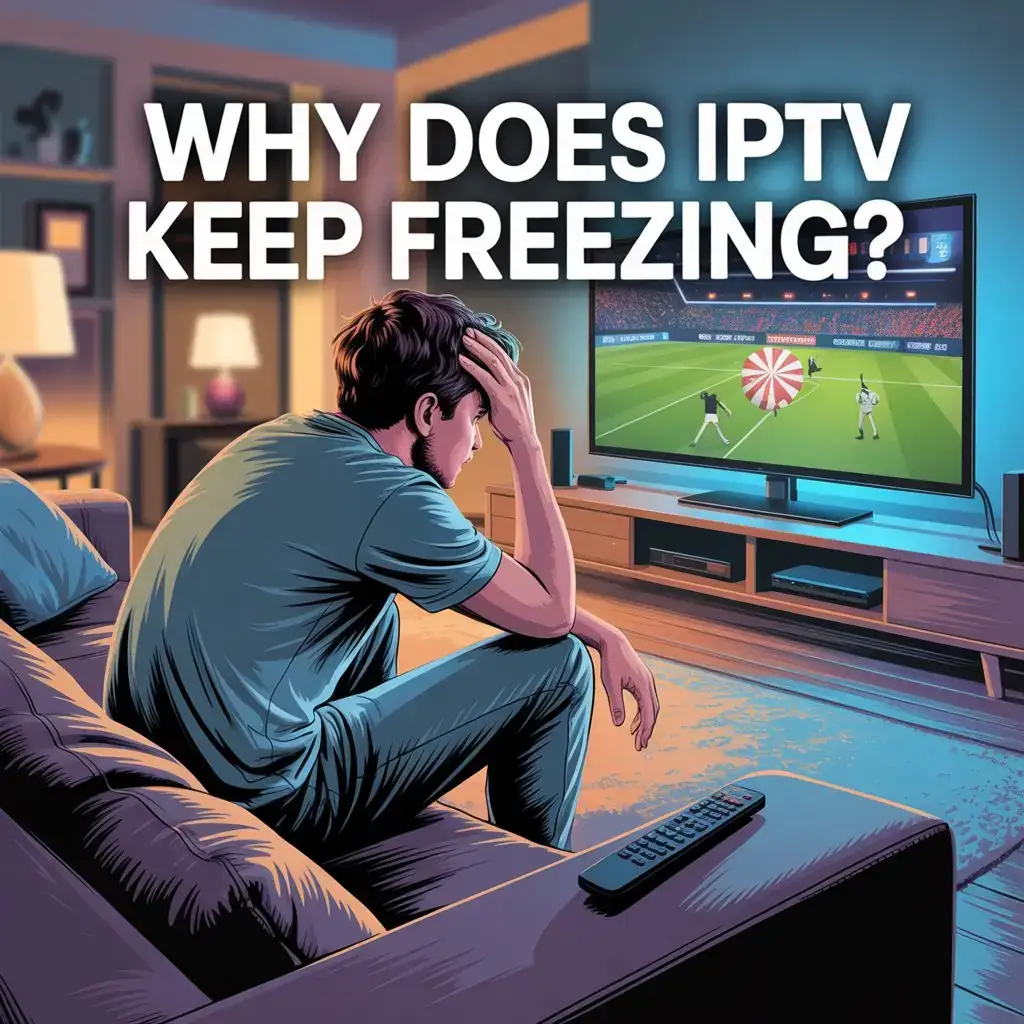
Are you constantly frustrated when your favorite show suddenly freezes mid-scene? You’re not alone. Why does IPTV keep freezing is one of the most common questions among streaming enthusiasts. This frustrating issue can turn your entertainment experience into a test of patience, but don’t worry – most freezing problems have straightforward solutions.
In this comprehensive guide, we’ll explore the root causes of IPTV freezing issues and provide you with practical, easy-to-implement IPTV freezing fix that will have your streaming running smoothly again in no time.
Understanding Why does IPTV Keep Freezings
Before diving into solutions, it’s important to understand what causes these annoying interruptions. IPTV freezing typically stems from a few key factors:
1. Internet Connection Issues
The most common culprit behind freezing IPTV streams is inadequate internet speed or unstable connections. IPTV requires consistent bandwidth to deliver high-quality video without interruption.
Key Insight: According to recent streaming quality reports, HD content requires at least 5-8 Mbps, while 4K content needs 25+ Mbps for buffer-free viewing. Many users experience freezing simply because their connection doesn’t meet these requirements consistently.
2. Server Overload
During peak viewing times (like major sporting events or season premieres), IPTV servers can become overwhelmed with traffic, leading to widespread freezing issues.
3. Device Limitations
Outdated hardware, insufficient RAM, or overtaxed processors on your streaming device can struggle to decode video streams efficiently, resulting in freezing.
4. VPN Complications
While VPNs provide privacy and access to geo-restricted content, they can sometimes reduce your connection speed, contributing to buffering problems.
10 Effective Solutions for IPTV freezing fix
Now that we understand why does IPTV keep freezing, let’s explore practical solutions that will help resolve your IPTV freezing problems:
1. Optimize Your Internet Connection
Check your speed: Use an online speed test to verify your current internet speed. If it’s below the recommended thresholds, consider:
- Upgrading your internet plan
- Positioning yourself closer to your router
- Reducing the number of devices using your network simultaneously
Pro Tip: Schedule large downloads during non-viewing hours to preserve bandwidth for streaming.
2. Switch from Wi-Fi to Ethernet
Wireless connections are convenient but less reliable than wired alternatives. Data shows that ethernet connections typically reduce buffering instances by 60-80% compared to Wi-Fi.
Quick Fix: Connect your streaming device directly to your router using an ethernet cable for maximum stability.
3. Restart Your Equipment
This simple but effective solution resolves approximately 40% of streaming issues:
- Turn off your streaming device
- Unplug your modem and router
- Wait 30 seconds
- Plug in your modem, wait for it to fully connect
- Plug in your router, wait for it to boot up
- Restart your streaming device
4. Clear Cache and Data
Streaming devices accumulate cache data that can eventually slow performance:
- For Android devices: Go to Settings > Applications > Manage Applications > Select your IPTV app > Clear Cache
- For Fire TV: Settings > Applications > Manage Installed Applications > Select your IPTV app > Clear Cache
5. Update Your IPTV App and Device Firmware
Outdated software often lacks optimizations that improve streaming performance. Studies show that devices running outdated firmware experience up to 30% more buffering issues.
Maintenance Tip: Set a monthly reminder to check for updates on all your streaming devices and applications.
6. Adjust Video Quality Settings
Sometimes streaming at a slightly lower resolution can eliminate freezing entirely:
- Look for quality settings within your IPTV application
- Try reducing from 4K to 1080p or from 1080p to 720p
- Many viewers report they cannot visually distinguish between 1080p and 720p on screens smaller than 50 inches
7. Optimize VPN Settings (If Applicable)
If you use a VPN:
- Connect to a server closer to your physical location
- Try different VPN protocols (OpenVPN TCP tends to be more stable than UDP)
- Consider a premium VPN service optimized for streaming
8. Check for IPTV Service Issues
Sometimes the problem isn’t on your end. Before making extensive changes to your setup:
- Check the service provider’s status page
- Look for announcements on their social media channels
- Contact customer support to confirm if there are known outages
9. Upgrade Your Hardware
If you’re using an older streaming device, it might be time for an upgrade:
- Devices older than 3-4 years often lack the processing power for modern streaming
- Look for devices with at least 2GB of RAM for optimal performance
- Consider dedicated IPTV boxes rather than multipurpose devices
10. Consider a Backup IPTV Service
For critical viewing (like important sports events), having a backup service can provide peace of mind. Industry data shows that even the most reliable IPTV services experience occasional downtime.
Advanced Troubleshooting for Persistent Freezing
If you’ve tried the above solutions and still experience freezing:
Analyze Network Traffic
Use network monitoring tools to identify if other devices or applications are consuming excessive bandwidth:
- Install a network analyzer app
- Monitor traffic during freezing episodes
- Identify and limit bandwidth-heavy activities
Check for ISP Throttling
Some Internet Service Providers deliberately slow down streaming traffic. Signs of throttling include:
- Normal speeds for general browsing but slow streaming
- Consistent slowdowns during peak hours
- Improved performance when using a VPN
Preventing Future IPTV Freezing Problems
Proactive maintenance can significantly reduce freezing incidents:
- Schedule regular restarts: Set your router to automatically restart once a week during low-usage hours
- Monitor your network health: Use tools like Speedtest by Ookla to track your connection quality over time
- Create a dedicated streaming environment: Consider setting up a separate Wi-Fi network exclusively for streaming
The Bottom Line on Why Does IPTV Keep Freezing
IPTV freezing is frustrating but usually fixable with the right approach. By methodically working through these solutions, most users can achieve stable, buffer-free streaming experiences.
Remember that different solutions work better for different setups, so don’t hesitate to try multiple approaches. With a bit of troubleshooting, you’ll be back to enjoying your favorite content without interruption.
Are you looking for a reliable IPTV service that minimizes freezing issues? Visit Viking IPTV for a premium streaming experience with exceptional stability, comprehensive support, and access to thousands of channels and on-demand content. Our optimized servers and dedicated customer service team ensure you’ll spend less time troubleshooting and more time enjoying your favorite entertainment.