Skip to content
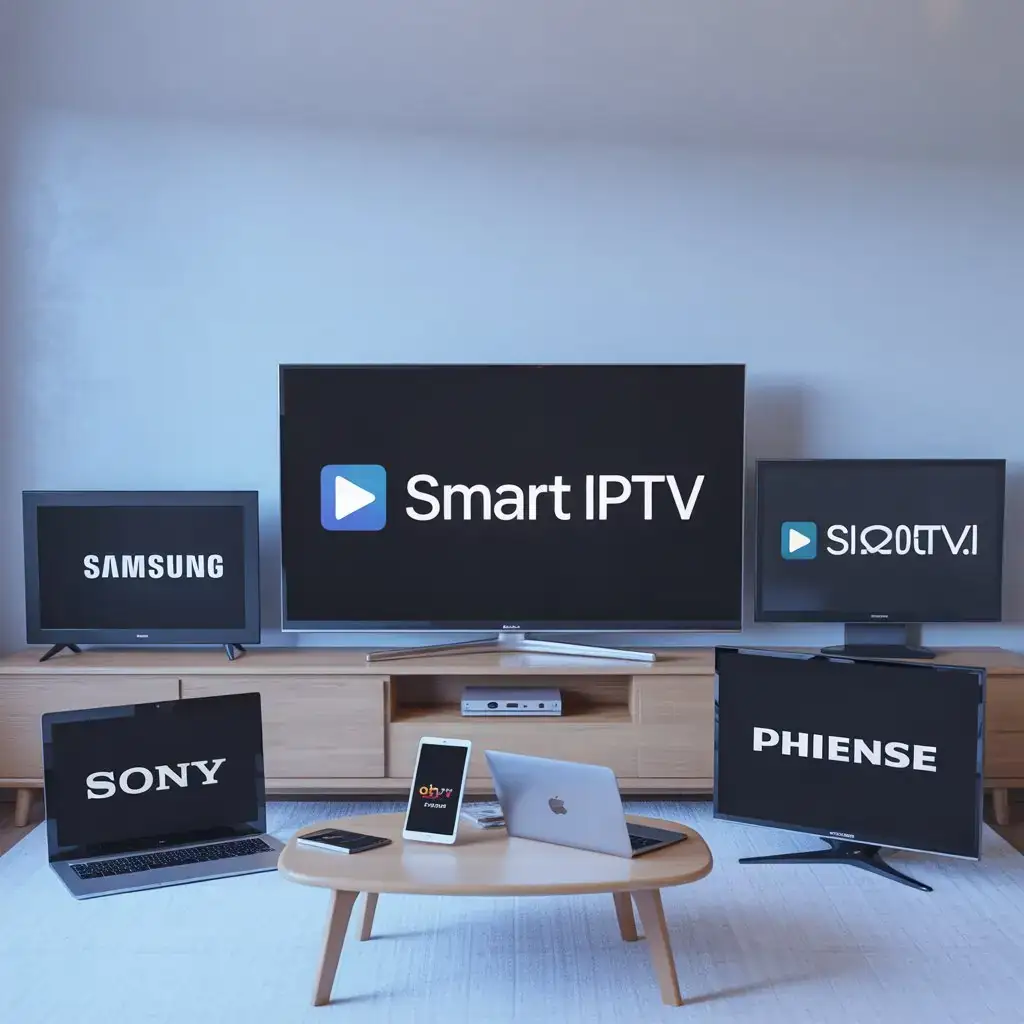
Are you wondering what TV brands are compatible with Smart IPTV app? You’re not alone. With the rising popularity of IPTV services, many consumers are looking to understand which television models support this versatile streaming solution. In this comprehensive guide, we’ll explore all the Smart IPTV supported TV models and help you determine if your current TV is compatible or guide you in selecting a new one.
Understanding Smart IPTV App Compatibility
Smart IPTV is one of the most popular applications for streaming television content over the internet. Rather than receiving TV signals through satellite, cable, or antenna, IPTV delivers content via your internet connection. However, not all TVs can directly support the Smart IPTV app, so it’s important to know which brands and models are compatible.
What Makes a TV Compatible with Smart IPTV APP?
Before diving into specific brands, it’s helpful to understand what technical requirements enable a television to run the Smart IPTV app:
- Smart TV Operating System – The TV must run on a compatible operating system
- App Store Access – The TV needs access to an app store where Smart IPTV can be downloaded
- Technical Specifications – Sufficient processing power and memory to run streaming applications
- Internet Connectivity – Built-in Wi-Fi or Ethernet port for internet connection
Major Smart IPTV Supported TV Models
Samsung Smart TVs
Samsung is one of the leading brands that supports the Smart IPTV application. The compatibility extends to:
- Tizen OS Models – Samsung TVs running Tizen OS (2015 models and newer)
- Smart Hub Models – Most Samsung Smart TVs with Smart Hub functionality
- Samsung Series – Models in the J, K, M, N, Q, and LS series
Samsung Smart TVs allow for direct installation of the Smart IPTV app from the Samsung App Store, making it incredibly convenient for users. For optimal performance, models from 2018 onwards are recommended due to their improved processing capabilities.
LG Smart TVs
LG offers excellent compatibility with the Smart IPTV app through their webOS platform:
- WebOS 3.0 and above – Most compatible with the latest Smart IPTV app features
- LG Content Store – Allows direct download of the Smart IPTV app
- Models from 2016 onwards – Best performance and compatibility
LG’s intuitive interface makes navigation within the Smart IPTV app particularly user-friendly, which is why many IPTV enthusiasts prefer this brand.
Sony Smart TVs
Sony’s Android TV operating system provides good compatibility with Smart IPTV App:
- Android TV OS Models – All Sony TVs running Android TV
- Bravia Series – Most models in the popular Bravia lineup
- Google Play Store Access – Allows easy installation of the app
Sony’s powerful processors in their premium models ensure smooth streaming performance even with high-definition IPTV content.
Philips Smart TVs
Philips offers decent compatibility through their Saphi and Android TV models:
- Android TV Models – Full compatibility via Google Play Store
- Saphi OS Models – Limited compatibility, may require sideloading
- Recent Models (2017+) – Better performance and user experience
Hisense Smart TVs
Hisense has become increasingly popular as a budget-friendly option that still offers good Smart IPTV compatibility:
- VIDAA OS – Most Hisense-specific OS models support Smart IPTV
- Android TV Models – Full compatibility through Google Play
- Mid to High-End Models – Better performance for streaming
Alternative Solutions for Incompatible TVs
Don’t worry if your TV isn’t directly compatible with Smart IPTV. There are several external devices you can use:
Streaming Devices
- Amazon Fire TV Stick/Cube – Affordable option with easy Smart IPTV installation
- Android TV Boxes – Various models from different manufacturers that support the app
- NVIDIA Shield TV – Premium option with excellent performance for IPTV streaming
Game Consoles
- Xbox One/Series X/S – Can run certain IPTV applications
- PlayStation 4/5 – Limited IPTV app support through the browser
Installation Process for Different TV Brands
The installation process varies slightly depending on your TV brand:
For Samsung TVs:
- Connect your TV to the internet
- Open the Samsung App Store
- Search for “Smart IPTV APP”
- Download and install the application
- Launch the app and follow the setup instructions
For LG TVs:
- Access the LG Content Store
- Navigate to the Apps section
- Search for “Smart IPTV”
- Install the application
- Open the app to begin configuration
For Android TV (Sony, Philips, etc.):
- Open the Google Play Store
- Search for the Smart IPTV application
- Select Install
- Once installed, open the app and follow the setup process
Optimizing Your Smart IPTV Experience
To get the most out of your Smart IPTV app, regardless of your TV brand, follow these tips:
- Internet Connection – Use a wired connection when possible, or ensure your Wi-Fi signal is strong
- Regular Updates – Keep both your TV firmware and Smart IPTV app updated
- Memory Management – Close unused applications running in the background
- Quality Settings – Adjust streaming quality based on your internet speed
Troubleshooting Common Compatibility Issues
Even with compatible TV brands, you might encounter some issues:
- App Not Available in Store – May require changing region settings or sideloading
- Performance Issues – Older TV models might struggle with high-definition streams
- Buffering Problems – Could be related to internet speed or TV processing power
- Interface Limitations – Some TV brands offer better navigation experiences than others
Making the Right Choice
When selecting a new TV with Smart IPTV compatibility in mind, consider:
- Processing Power – Higher-end models generally provide better streaming performance
- Operating System – Android TV and recent versions of Tizen or webOS offer the best compatibility
- Memory (RAM) – More RAM means smoother operation when streaming
- Screen Technology – For the best viewing experience, consider OLED or QLED for premium content
Conclusion In What TV Brands Are Compatible with Smart IPTV App
The Smart IPTV app works across a wide range of TV brands, with Samsung, LG, and Sony offering the most seamless experiences. If you’re in the market for a new television and IPTV streaming is important to you, these brands should be at the top of your consideration list. For existing TV owners with incompatible models, external streaming devices provide an excellent alternative.
Understanding what TV brands are compatible with Smart IPTV app is the first step toward enjoying the flexibility and variety of content that IPTV services provide.
Ready to experience premium IPTV services on your compatible TV? Visit our main page at Viking IPTV to explore our reliable, high-quality IPTV packages designed to maximize your entertainment options on any supported device. Our service works flawlessly with all the TV brands mentioned above, ensuring you get the best streaming experience possible!