Skip to content
Do I Need a Box for IPTV or Just an App?
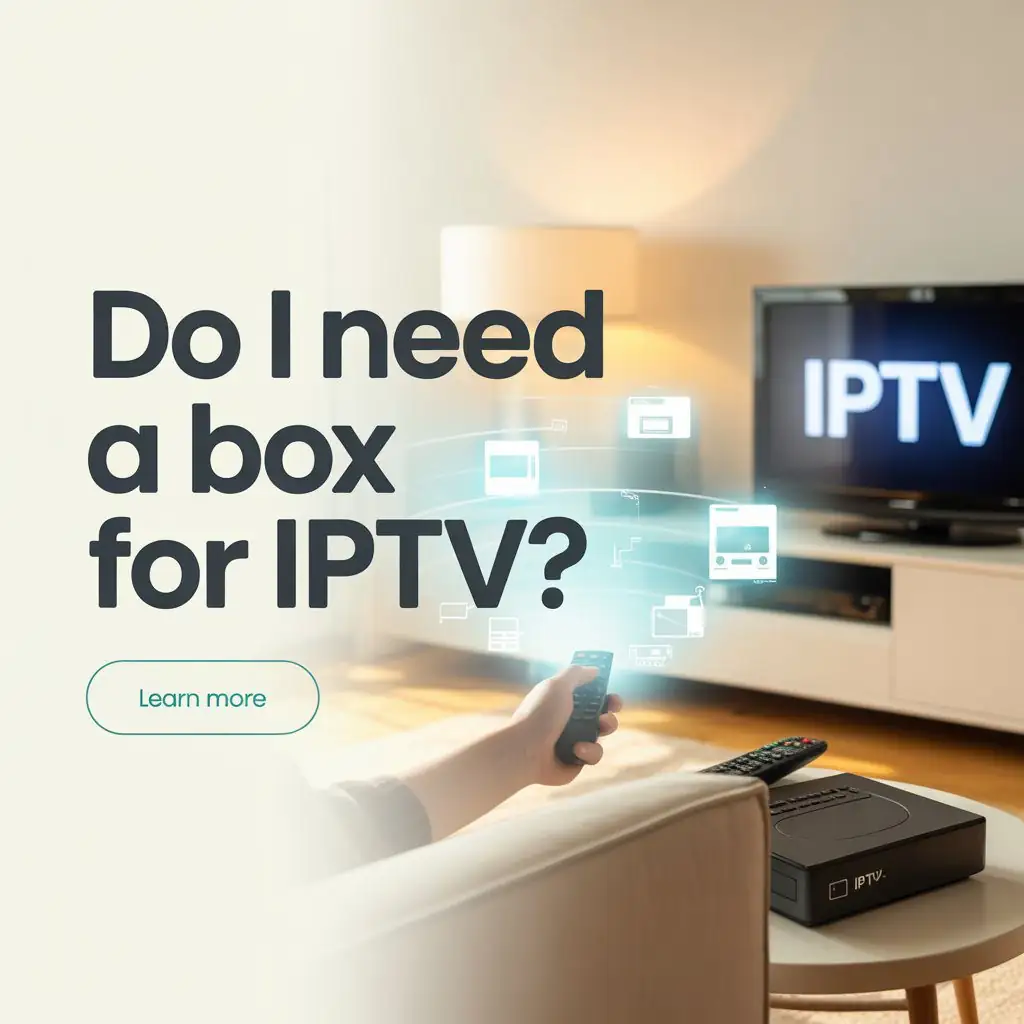
In today’s streaming landscape, many consumers find themselves asking: do i need a box for iptv or can I simply use an app? This question becomes increasingly relevant as technology evolves and viewing options expand. Whether you’re new to IPTV services or looking to optimize your current setup, understanding the hardware requirements can save you both money and frustration.
Understanding IPTV Basics
Internet Protocol Television (IPTV) delivers television content over internet protocols rather than through traditional satellite or cable formats. This technology has revolutionized how we consume media, offering flexibility and often more affordable access to channels and content worldwide.
Many newcomers assume dedicated hardware is essential, but the truth is more nuanced. You can enjoy iptv without box options that perform excellently across various devices you might already own.
IPTV Without a Box: Is It Possible?
The simple answer is yes you can absolutely use IPTV without purchasing a dedicated box. Modern IPTV services are designed with flexibility in mind, allowing users to stream content across multiple platforms:
- Smart TVs with built-in app capabilities
- Smartphones and tablets (both iOS and Android)
- Personal computers and laptops
- Gaming consoles like PlayStation and Xbox
- Standard streaming devices (Amazon Firestick, Roku, etc.)
According to recent streaming technology surveys, over 65% of IPTV users now access their content through apps on existing devices rather than dedicated boxes, representing a significant shift in consumption patterns.
Smart TVs: Your Built-in IPTV Solution
If you’ve purchased a television in the last five years, chances are it already has the capability to run IPTV services without additional hardware. Smart TVs from manufacturers like Samsung, LG, Sony, and others come with operating systems that support app installation.
The process typically involves:
- Accessing your TV’s app store
- Searching for your IPTV provider’s application or a compatible third-party app
- Installing and logging in with your subscription credentials
The advantage here is obvious—zero additional hardware means less clutter, fewer remote controls, and no extra costs beyond your subscription.
Mobile Devices: IPTV in Your Pocket
Smartphones and tablets represent perhaps the most convenient iptv without box solution. With screen quality constantly improving (many flagship phones now feature 4K displays), watching on mobile devices delivers an impressive experience.
Both iOS and Android platforms offer numerous IPTV applications that can be downloaded directly from their respective app stores. Many services also provide web-based viewing options accessible through browsers like Safari, Chrome, or Firefox.
The mobility factor here is significant—subscribers can watch their favorite programs from anywhere with a decent internet connection, whether that’s during a commute or while traveling internationally.
When a Box Might Be Beneficial
While do i need a box for iptv has a negative answer for many users, certain situations do warrant dedicated hardware:
1. Older Television Sets
If you own a non-smart TV, you’ll need some form of external device to connect your television to IPTV services. While this doesn’t necessarily need to be a dedicated IPTV box (streaming sticks work well), some hardware component becomes necessary.
2. Performance Considerations
Dedicated IPTV boxes typically offer:
- Optimized processing for streaming video content
- Better heat management during extended viewing sessions
- Purpose-built remote controls with shortcut buttons
- Specialized interfaces designed specifically for television navigation
Data shows that dedicated devices can reduce buffering by up to 40% compared to some multi-purpose streaming options, particularly when handling 4K content.
3. Technical Comfort Level
For users less comfortable with technology, a pre-configured box can offer simplicity. Many IPTV providers sell boxes that come ready to use with minimal setup required—often just connecting to WiFi and entering login credentials.
Best Devices for IPTV Without a Dedicated Box
If you’re pursuing the iptv without box route, certain devices stand out for their performance:
Amazon Fire TV Stick/Cube
These affordable devices transform any HDMI-equipped television into a smart streaming platform. The Fire TV interface supports numerous IPTV apps, and the included remote offers voice control capabilities. Recent benchmark tests show Fire devices handling 1080p IPTV streams with virtually no buffering on connections of 25Mbps or greater.
Nvidia Shield
Though pricier than other options, the Nvidia Shield represents perhaps the most powerful streaming device available to consumers. Its processing capabilities easily handle 4K IPTV streams, and its Android TV platform supports virtually every major IPTV application.
Roku Devices
Roku’s platform-agnostic approach means it works well with a wide range of IPTV services. Their devices span various price points, from basic HD streaming to premium 4K options.
Connection Quality: More Important Than Hardware
Whether using a dedicated box or an app-based approach, your internet connection quality typically influences streaming performance more than your hardware choice. Industry standards suggest:
- 5-10 Mbps for standard definition content
- 10-15 Mbps for HD (1080p) streaming
- 25+ Mbps for reliable 4K streaming
Most modern broadband connections comfortably exceed these requirements, but users in areas with limited internet infrastructure might prioritize hardware that includes buffering optimizations.
Security Considerations
One advantage of using mainstream devices rather than specialized IPTV boxes is security. Devices like Apple TV, Amazon Fire products, and major smart TV platforms receive regular security updates, potentially offering better protection against vulnerabilities.
This becomes particularly important when considering that IPTV services sometimes require account credentials and payment information.
Making Your Decision
When deciding whether you do i need a box for iptv, consider:
- Existing Equipment: Inventory what devices you already own before purchasing new hardware.
- Viewing Habits: Consider where and how you typically watch content.
- Technical Comfort: Be honest about your willingness to troubleshoot technical issues.
- Budget: Calculate the total cost of ownership, including both hardware and subscription fees.
For most users with modern smart TVs or streaming devices, dedicated IPTV boxes represent an unnecessary additional expense. The functionality gap between specialized hardware and general-purpose streaming devices continues to narrow with each product generation.
Conclusion
The question “do i need a box for iptv?” rarely has a one-size-fits-all answer. However, the growing ecosystem of smart devices means more users can enjoy IPTV services without investing in dedicated hardware. From smart TVs to mobile devices to multipurpose streaming sticks, the options for iptv without box solutions continue to expand.
The most important factors remain your specific viewing habits, existing equipment, and the particular IPTV service you choose. With some research and consideration of the options presented here, you’ll likely find that the perfect IPTV setup for your needs might be simpler and less expensive than you initially thought.
Ready to experience premium IPTV service with or without a dedicated box? Visit Viking IPTV for reliable streaming solutions tailored to your viewing preferences and existing hardware setup. Our friendly support team can help determine the optimal configuration for your unique entertainment needs.